
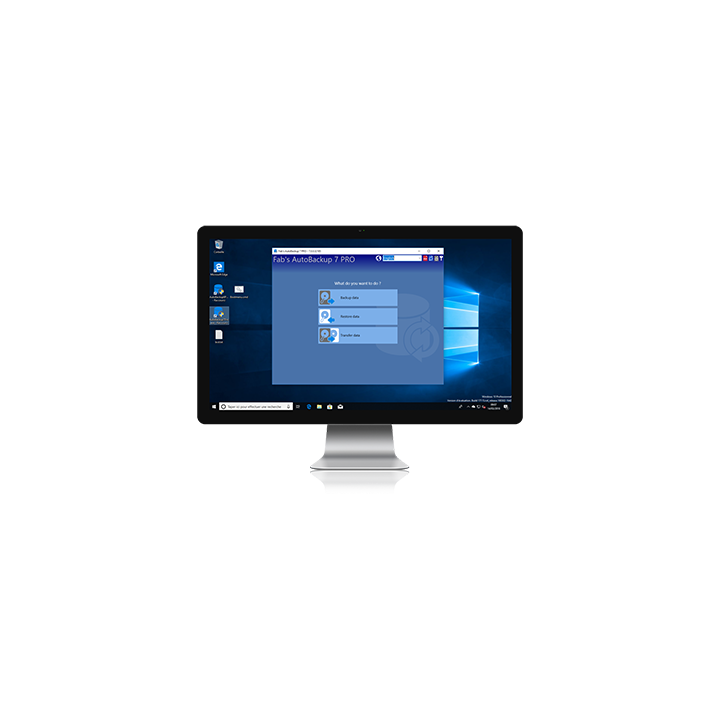
20x Fab's AutoBackup Home & Office images
20x Fab's AutoBackup Home & Office
Equip your entire network with a reliable backup solution. This pack of 20 licenses of Fab's AutoBackup 7 Home & Office lets your users back up and restore their Windows data independently — documents, emails, browsers and much more. Easy enough for beginners, at just € 6 per license.
Compatible Windows XP to 11
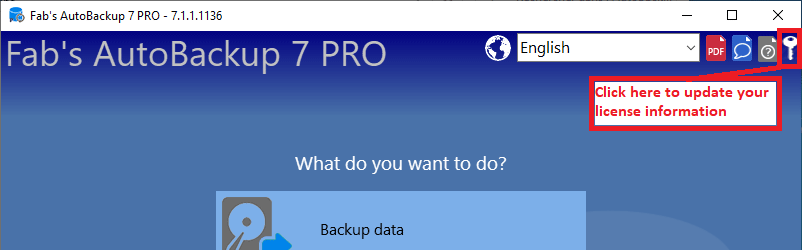
After that, the software keeps working normally — a new license is only needed if you wish to receive updates or download it again. As soon as you have purchased your new license, simply update your information in the software using the key icon in the top right corner.
✔ 20 licenses — just €6 per license
✔ Each license works on one computer — ideal for deploying across a network or a fleet of PCs
✔ Trusted by tens of thousands of users worldwide
✔ Over 15 years of commercial experience — first released in 2005
✔ Compatible with Windows XP, Vista, 7, 8, 10 and 11
✔ 1 year of updates and downloads included per license
✔ Secure payment
Perfect for network administrators
 Give your users autonomy — Let them back up and restore their own data to a server or USB drive, without IT intervention
 Easy enough for beginners — No technical knowledge required, even the least tech-savvy users can handle it
 Covers everything that matters — Documents, emails, browsers, Office settings, cloud files and much more
 Simple deployment — Distribute license keys to your users and they're ready to go
-
ReferenceHOMEOFFICE
Comments (0)
Your review appreciation cannot be sent
Report comment
Report sent
Your report cannot be sent